Showing posts with label Colour. Show all posts

23 July 2014

Day out at the zoo!

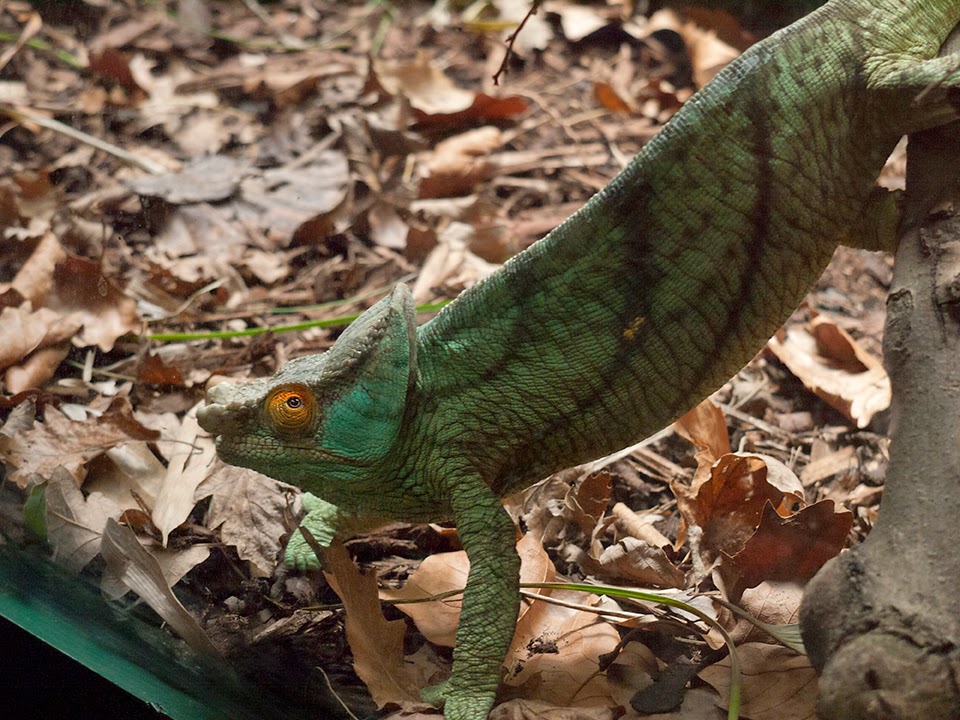
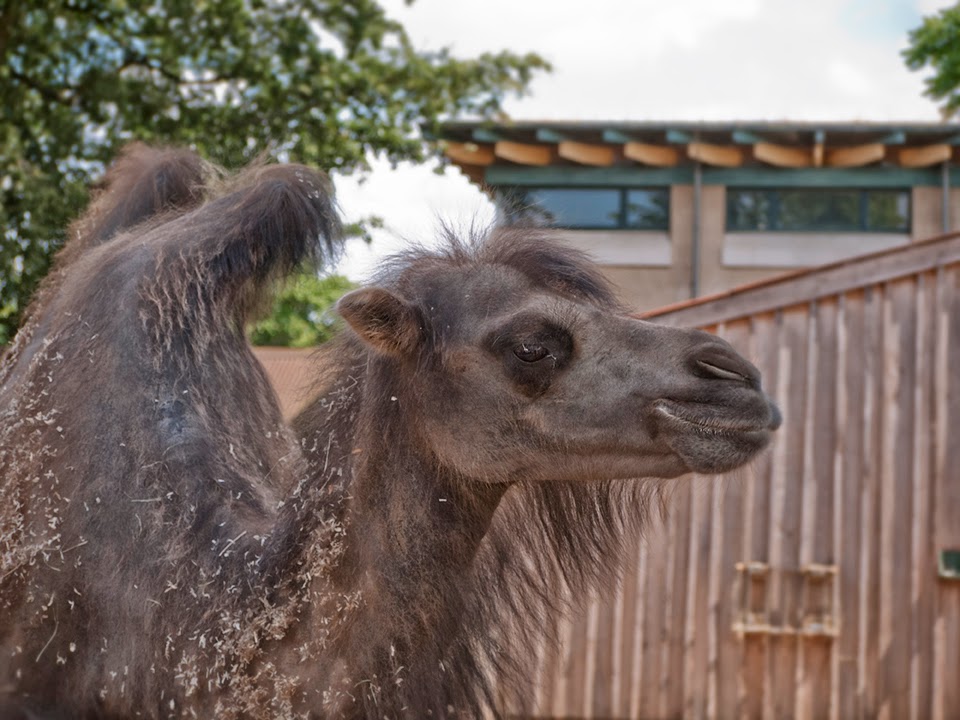
It was my birthday back in June and I got treated to day at London Zoo, it was the best! I was literally like a big kid and it was the perfect opportunity to get my camera out. Here are a few of my faves from the day!


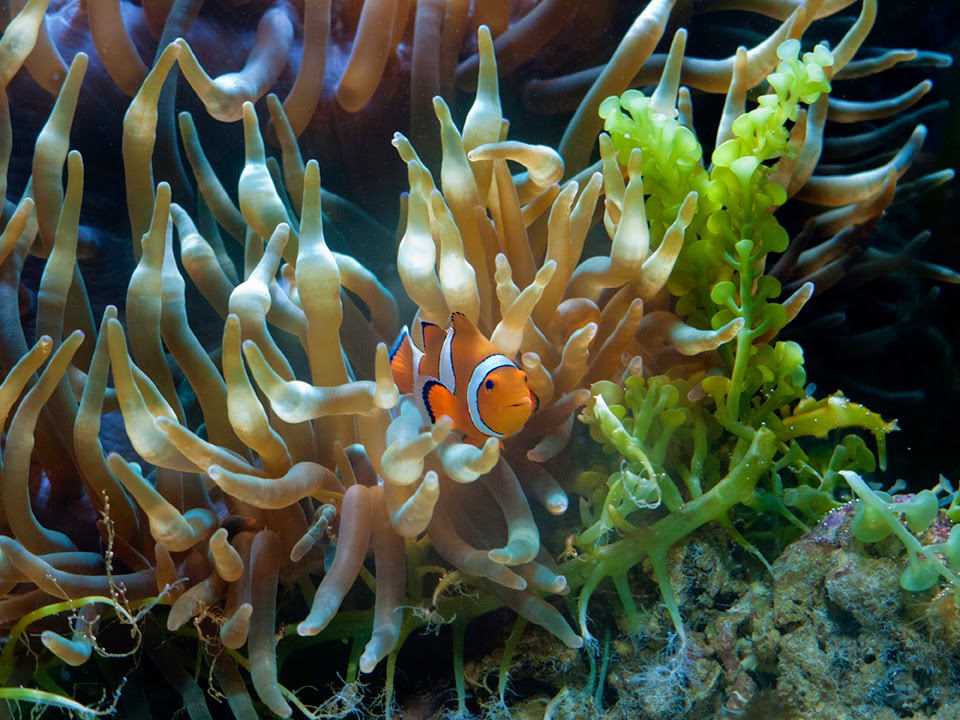
Love this colours in this one!


NEMO!!!!


Edited this one to have a light leak in it. Going to try it on a few other photos and then will do a 'How to' blog on it so make sure you keep checking back.


I shot most all day with my Lumix, kit lens 18-44mm for the indoor shots and 45-200mm to get in closer with the bigger beauties!


Awwww!

This is part one of my Day at the Zoo photos, check back next week for the next one!

05 June 2014

Male Portraits

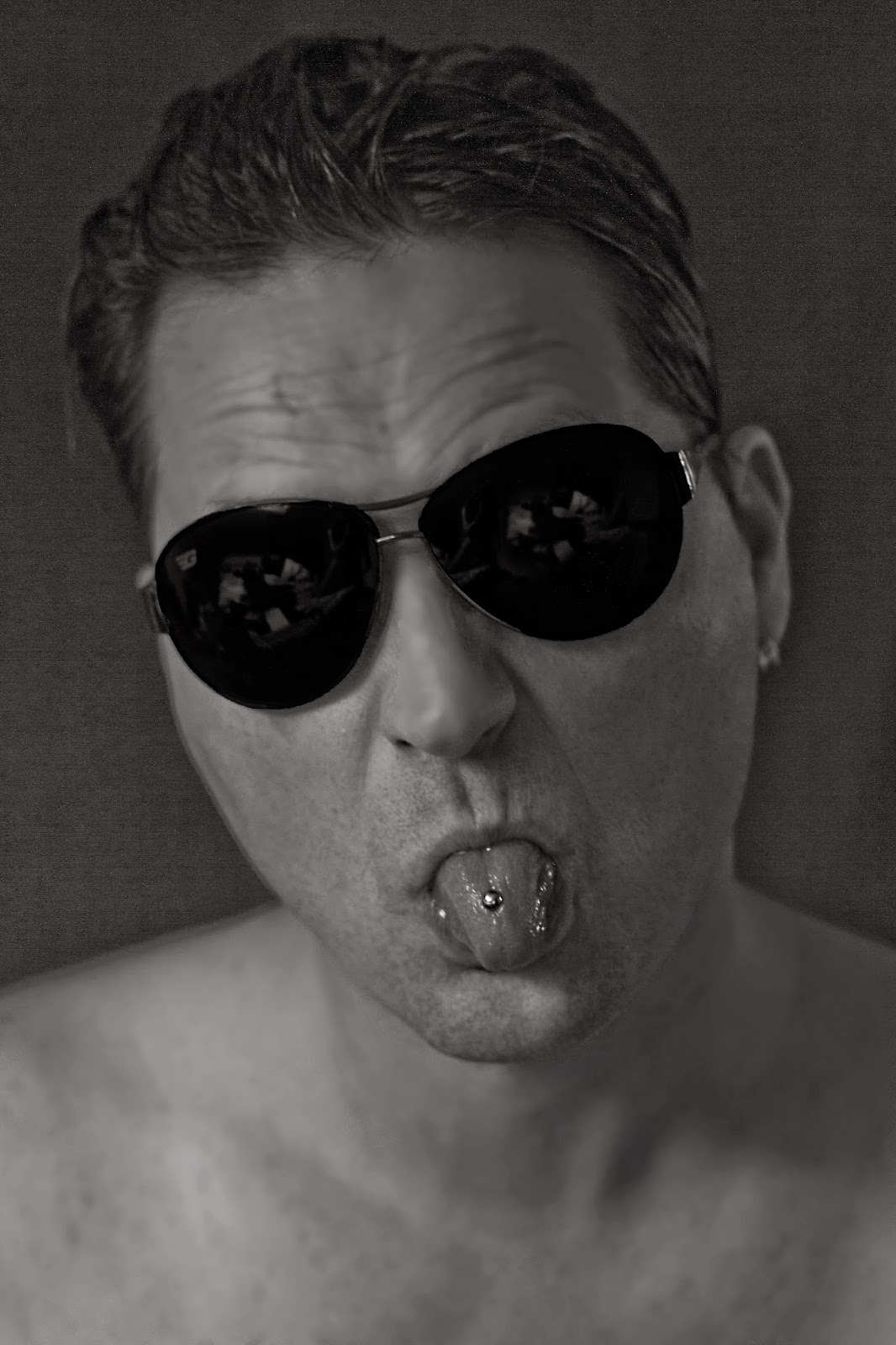
Been doing some male portrait recently, and trying out some different styles. Here are a small selection using both natural and artificial lighting. 

These two photos above are my preferred type of shot, the natural one. The one on the left is with studio lights (one soft box and a white umbrella either side of the camera at 45 degree angles to the subject) in my 'studio' (I wish!) and on the right, natural light on a summers day. Opposite way round below and this time with my models posed. 


Having male models has it advantages… Like being able to experiment having a bit more scope when it comes to harsh lighting. I have skylights so this was taken using the window light, slightly diffused. I really like the stark contrast of light on either side of the face.


This photo is part of an assignment for the course I'm doing with The Photography Institute, (another blog for another time, maybe). This was my favourite one from the five I took, because I love the catch lights! 

23 May 2014

Photoshop Tutorial: HDR Images


I think amongst photographers, HDR is a bit like marmite, you either love it or hate it. I have seen some amazing landscape shots enhanced with the use of HDR but it's never been something that has massively appealed to me…. Until now!

HDR stands for High-Dynamic-Range imaging and to put it simply, it gives you a better range of highlights, shadows, colours than you can capture with real world scenes.

I read a couple of tutorials on it after looking at some album artwork that I thought looked really cool and that I wanted to have a go at recreating (The Amazing Snakeheads, Amphetamine Ballads to be precise).

The technical bit:
  • You need to take 3 images, one a stop or two under exposed, one correctly exposed and a third image one or two stops over exposed. (In order to get a seamless free image, it's best to use a tripod, unless you want a more ethereal, dreamlike or ghostly final image.)
  • Open up Photoshop and click on file, then 'automate' and 'Merge to HDR pro'

  • You'll then get a pop up box with your HDR image and now the world is your oyster! Play around with the settings and see what you get!
NB If you can't see the the save or OK button if you edit on a Mac, move the toolbar to the left or right (apple -> Dock -> Position on Left/Right) and it should come up. For some reason, on mine, the bottom of the box gets cut off meaning you have to force quit and lose your lovely image!


Like I said previously, if you want a crisper image, you'll need to use a tripod, but I was so eager to try the technique out I didn't bother! Serendipity prevailed once again and I love the softer edges and the more eerie feel of the photo by not using one.

And just to add a bit more spookiness to the image, I did another edit but this time I made the eyes completely black. Thoughts?!


14 May 2014

Family Portraits

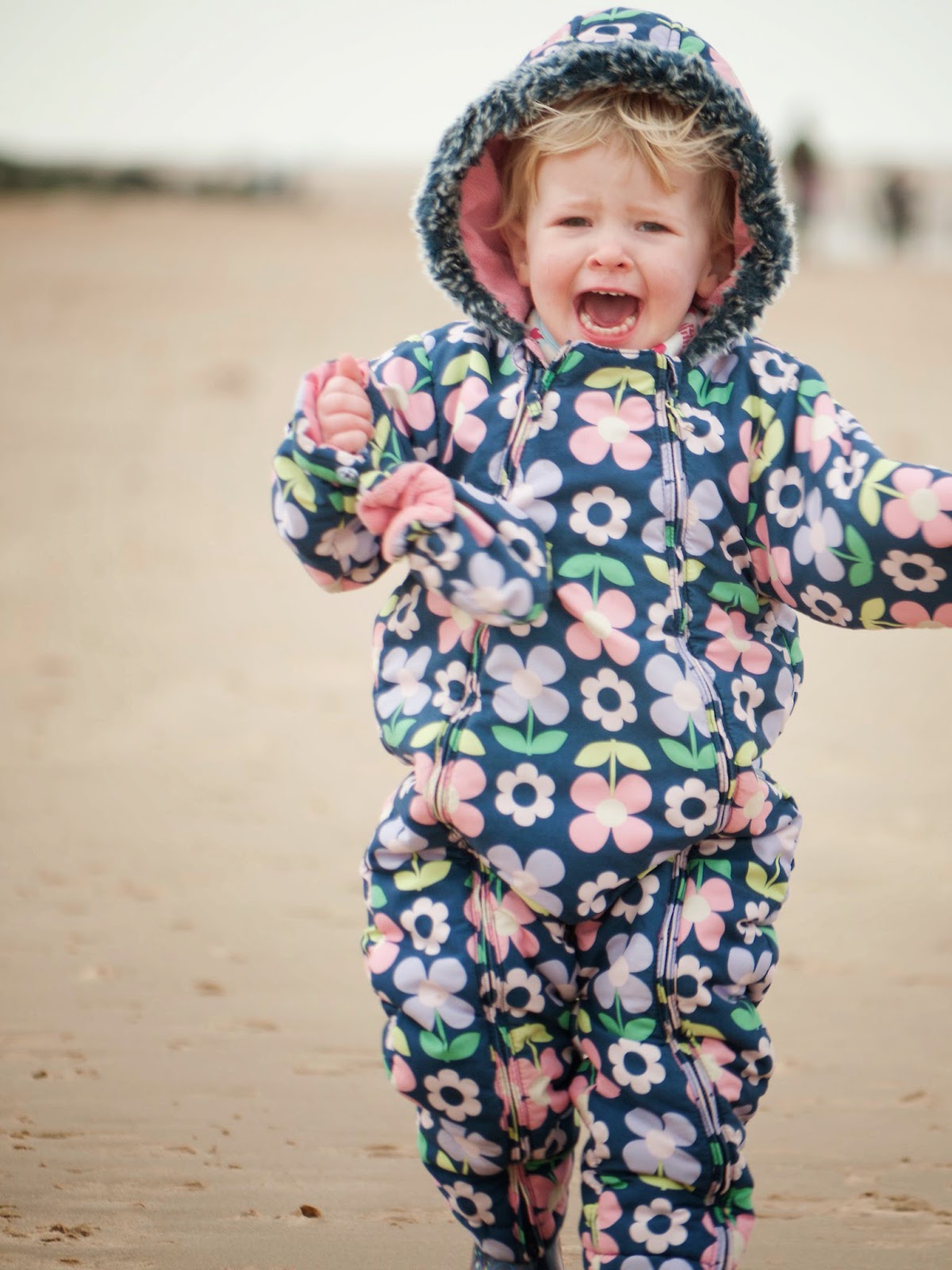
On a recent trip to Norfolk for my mum's birthday, I decided to take the camera out when we went for a walk along the beach. As you can see, my natural style is more documentary/lifestyle because I love the natural shots you can get from doing this and I know not everyone likes to have a camera thrust in their face! So if you are a bit camera shy but would love some gorgeous family portraits, please get in touch!


Come on Daddy, this way!
And here are a few others of my gorgeous neice, for good measure!


22 April 2014

More Easter Goodies

Hope everyone had a great Easter break! Did the Easter bunny bring you as much chocolate as it has in my household?! My mum and dad do me and my siblings an Easter egg hunt each year, despite the fact we are all grown up now and it doesn't get any less competitive! And thanks to this tradition, I also do a hunt for my other half… This year was no exception. I weighed the chocolate once it had all been found…. A whopping 2314g of chocolate for one adult! Too much?! Nah!

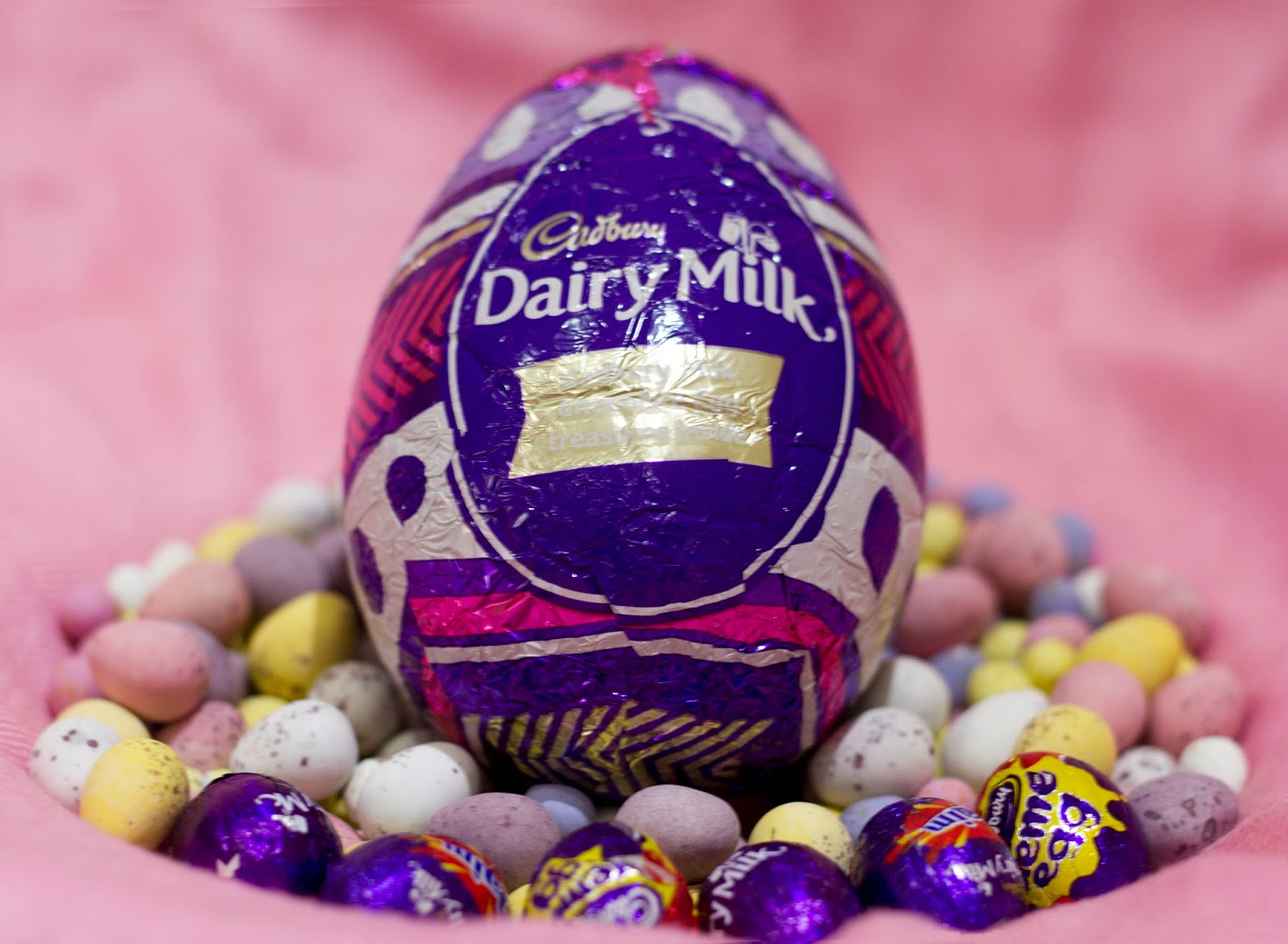
And with so much chocolate hanging around it seemed only right to get the camera out and take a few shots. Might use these images for some Easter cards next year.


A selection of our chocolate!


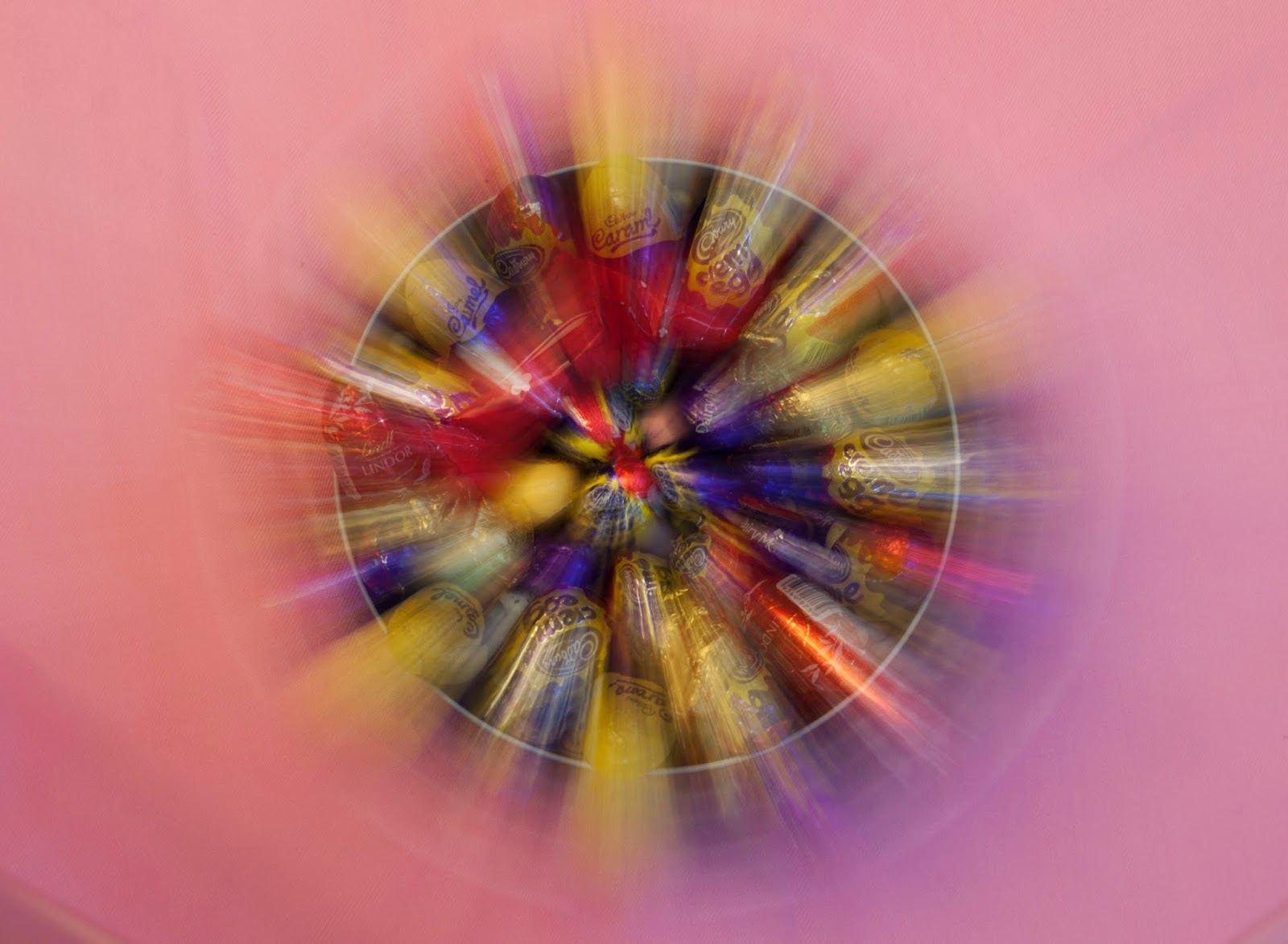
I haven't played around with long exposures lately so thought this would be a good subject to try it on seeing as there are lots of vibrant colours to play with. I used a pink shawl as a backdrop (you don't need a tonne of professional gear to take a photo you know!) and my settings were ISO 100, f5.6 and a 2.5 second exposure. 


Would love to see anyone else's attempt at something similar, what do you think?


16 April 2014

Happy Easter!

HAPPY EASTER FROM ME!
I hope you have a lovely long weekend whatever you're doing! Here are a few eggs I found lying around the house, bet there'll be a shed load more by the time the Easter bunny comes… Expect (insert Easter themed pun here) more photos of these chocolately treats!


10 April 2014

Family Portraits with Reece!

Woah, where has the last month just gone?! Can't believe I haven't put a blog post up for a month, tut tut! Not to say I haven't been busy taking photos though, and busy networking, so keep your eyes peeled over the next few months for some other work. Make sure you keep checking back here to keep up to date with me!

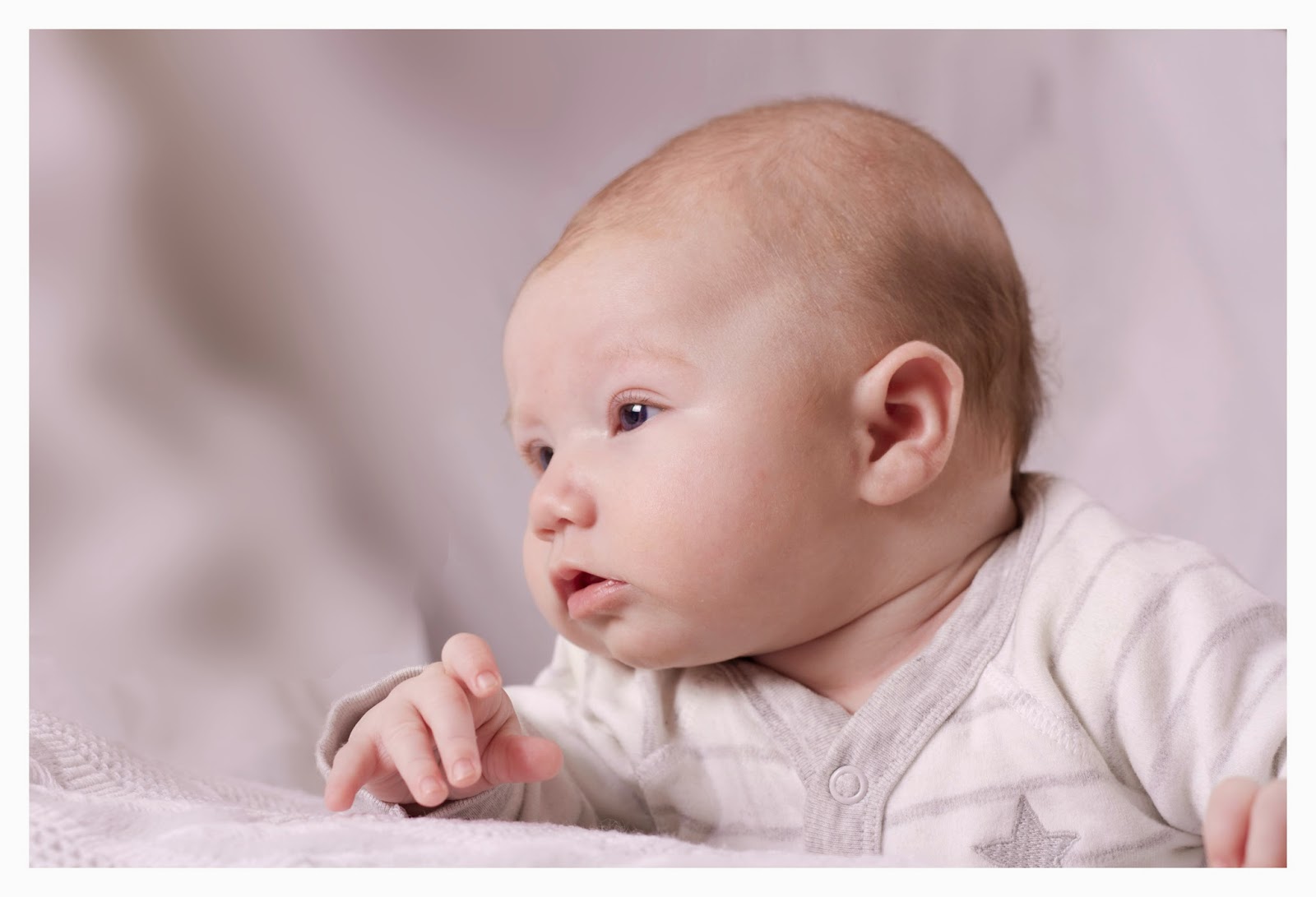
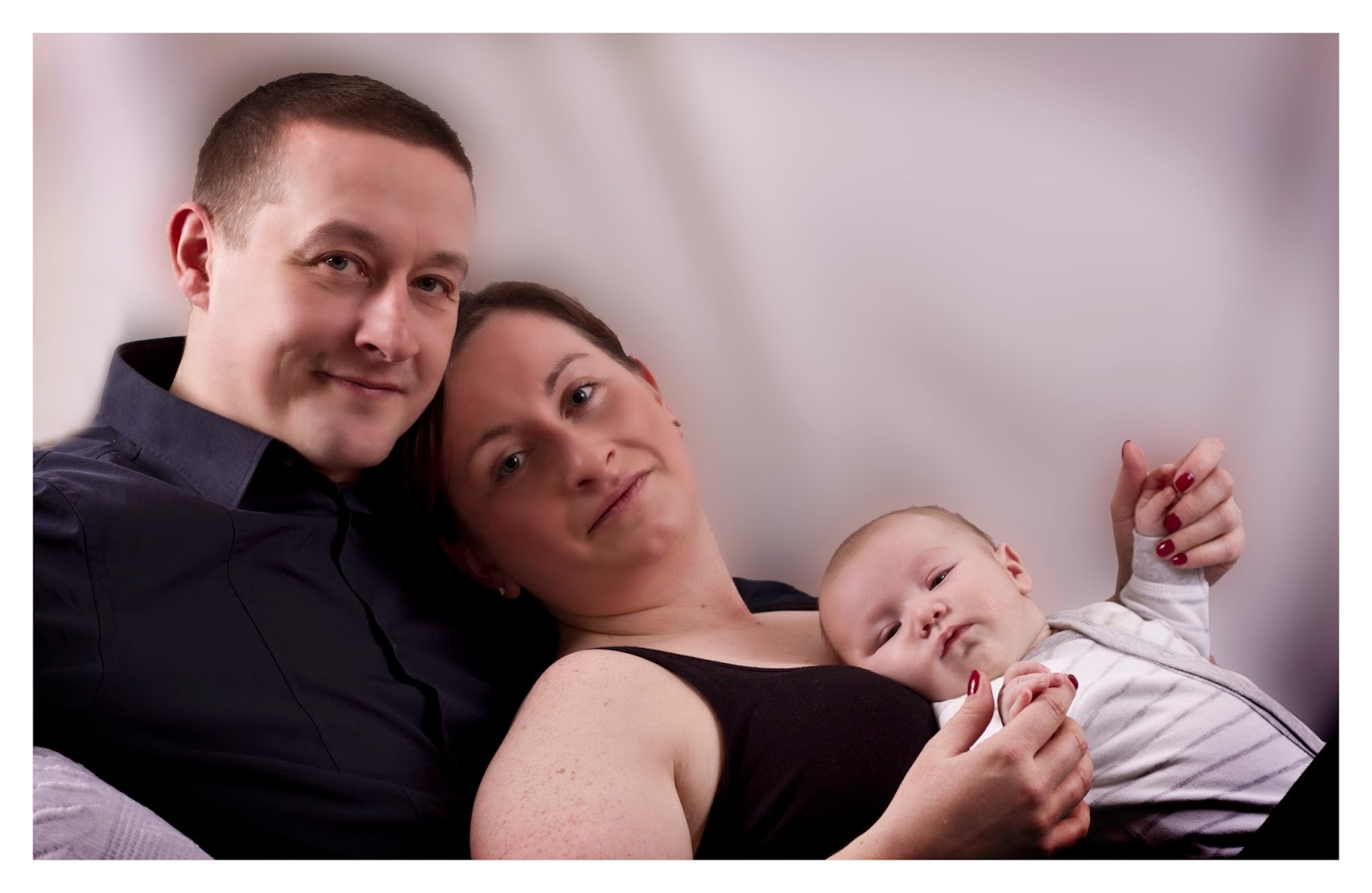
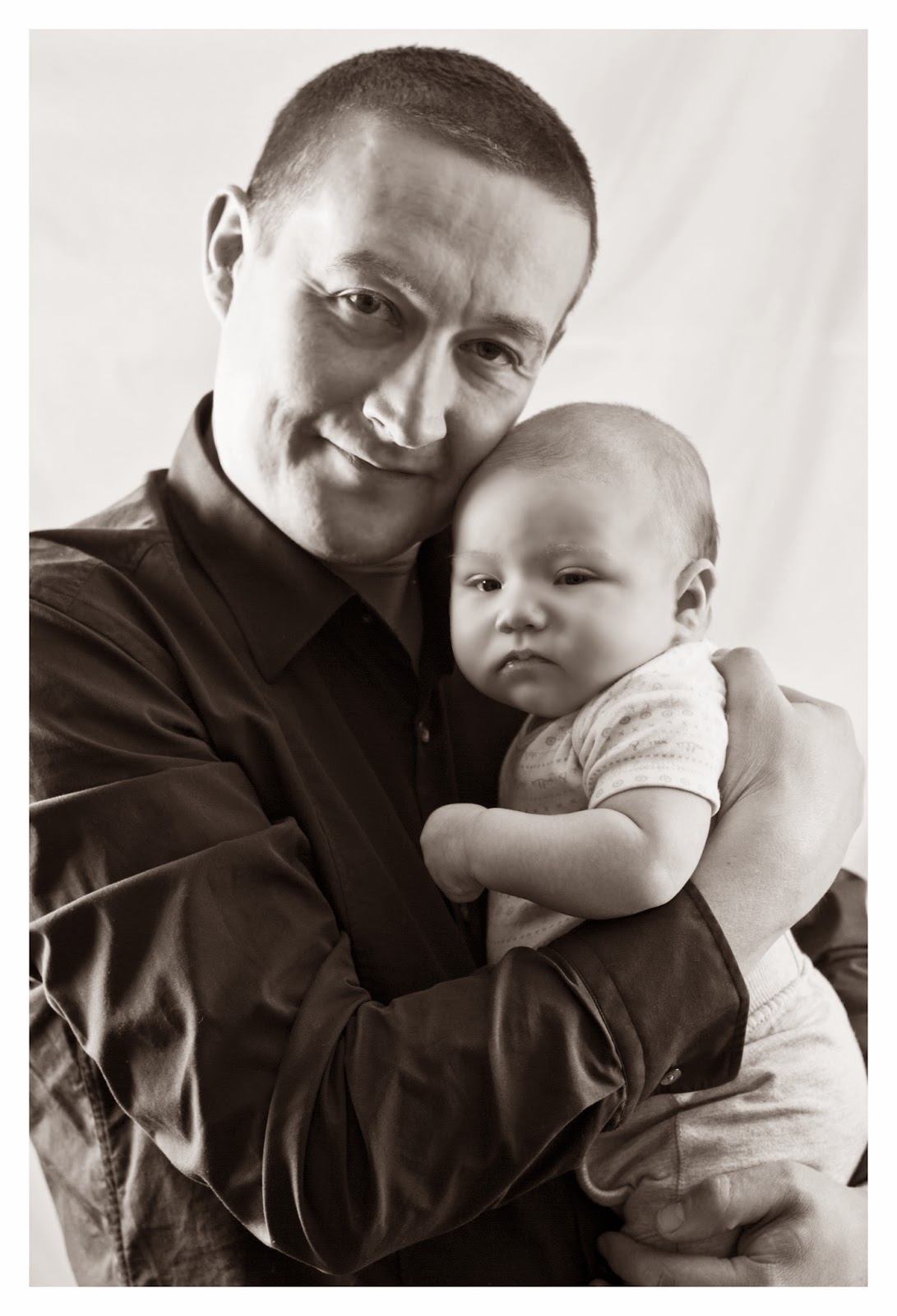
I had the pleasure of photographing this beautiful bundle a few weeks ago! Reece, despite being a little poorly, was good as gold and I think he quite enjoyed the limelight, judging by this photo! If you like what you see here, why not get in contact to book your own family portrait?!


Love this one of Mum and Baby!


Awww, I could eat him up!


If you would like to enquire about your own family bespoke photo shoot, please do not hesitate to get in contact! You can use the contact me tab on the page or my contact details are at the top!

10 March 2014

Adding a Vintage look to your photos

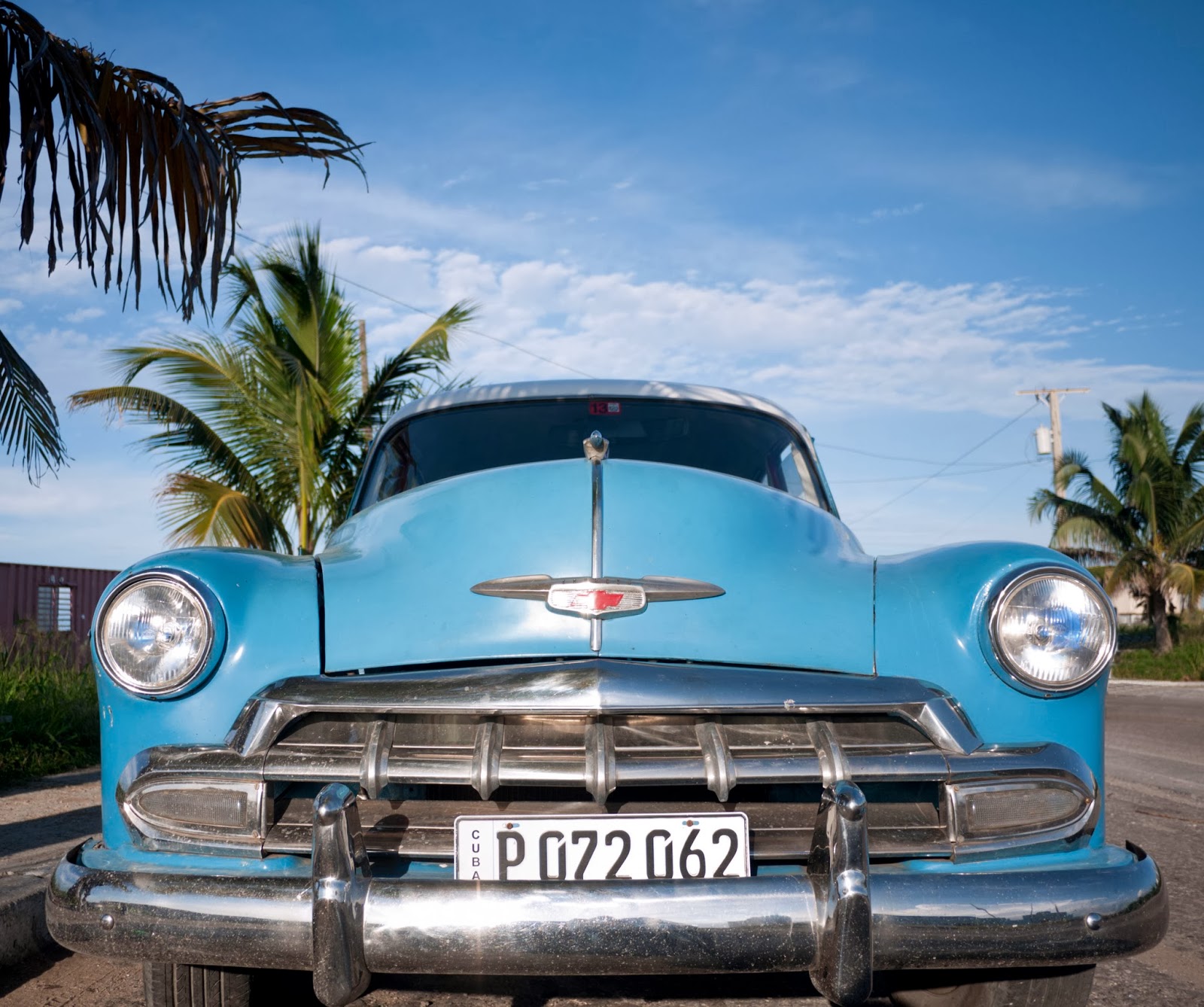
After spending a fortnight in Cuba, I got used to the vintage feel of the place and felt like some of my photos would really 'pop' if I did some editing to make them look vintage and really capture the essence of the place. I found a really good photoshop tutorial on digitalartsonline, there are actually two possibe tutorials you can use to achieve this effect but I went for this one. 

Here is the original photo:


You'll have seen this image featured in an earlier blog post.

And here's the edited one. I really loved the original but now I have spent some time adding the vintage effect, I think it works so much better! Very pleased with my newly learnt techniques and looking forward to using them again later in the year.


What do you think?

18 February 2014

Flowers and nature from further afield..

So here it is, last post on Cuba but by no means least! And hopefully spring will start to appear outside and we might get to see that big round thing shining in the sky. I hope so otherwise I will be all over #throwbackthursday with blogposts of sunnier places!


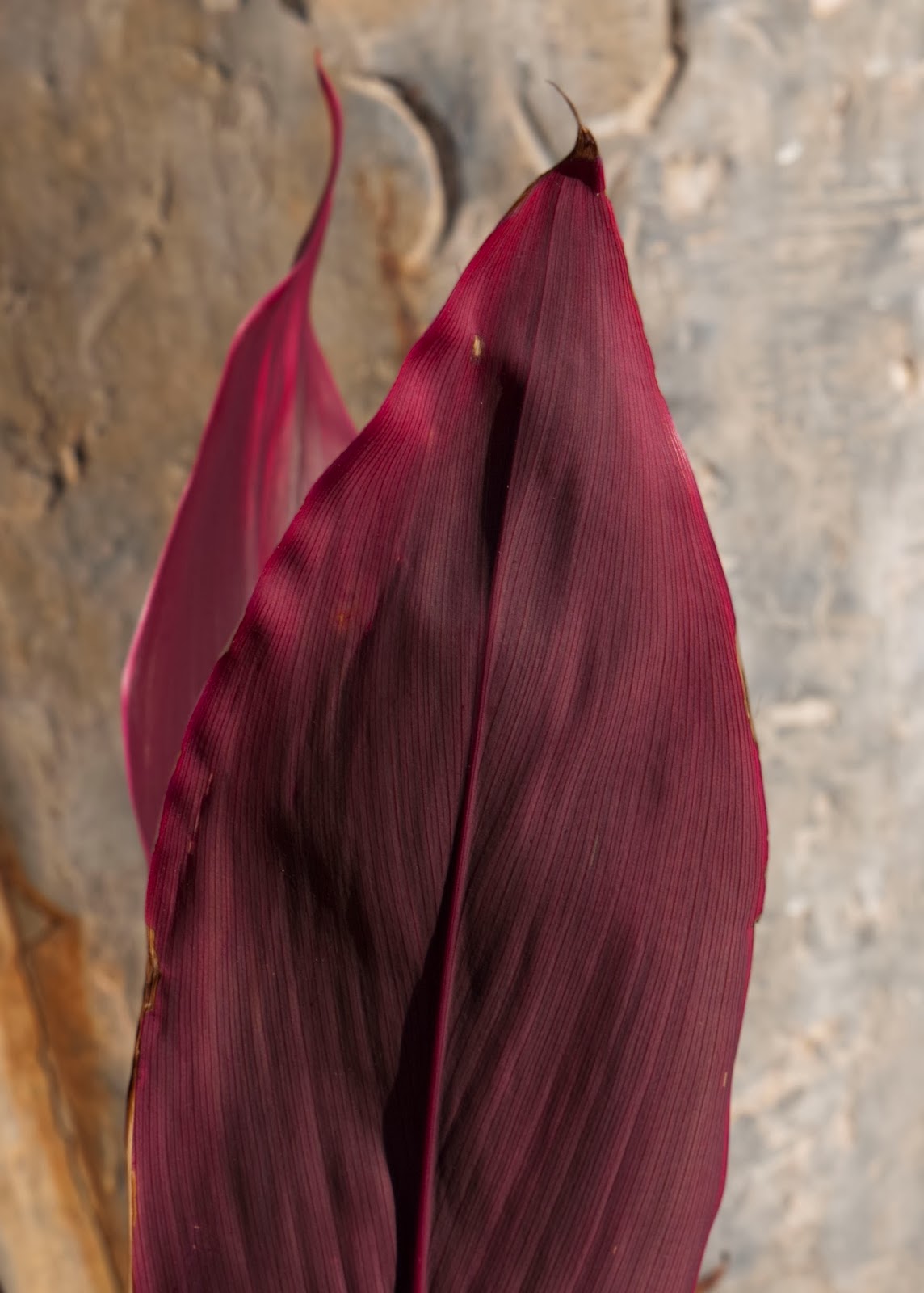
Have a few more of these flowers but that's for another blog post in a few weeks time! Pretty flower though huh?


I hope you've enjoyed looking at my Cuba photos as much as I enjoyed taking them and being out there! 

Don't forget that all my images are available to buy in a variety of formats. Please get in contact for details or check the price tab at the top of the page. :)